
“All of our applications are now in the cloud – So we don’t need to worry about backup anymore, right?” — Credit: Multiple anonymous clients
This is almost always a FALSE statement.
You see…most cloud-based SaaS (Software as a Service) providers operate under something called a Shared Responsibility Model.
This is where the vendor accepts responsibility for maintaining operation of the platform INFRASTRUCTURE.
But, MFA (secure passwords), conditional access (file permissions), and data integrity are STILL the primary RESPONSIBILITY OF THE CUSTOMER.
The fine print is often tucked away in a service agreement you were forced to accept by clicking “I Agree” (without fully understanding what you just agreed to!)
Turns out, RARELY will the application provider accept ANY FISCAL RESPONSIBILITY that exceeds the subscription price paid to access their service.
So even if they delivered buggy software, experienced a data breach, lost your client’s information or otherwise caused real harm through their negligence… they won’t make anybody whole.
That said…when your client moves to cloud computing, they STILL need to figure out how to protect against loss of their intellectual property – the data inside the apps.
So YES, they still do need a backup strategy.
But, with live data stored in the cloud, things just got a heck of a lot harder – because each cloud app is different.
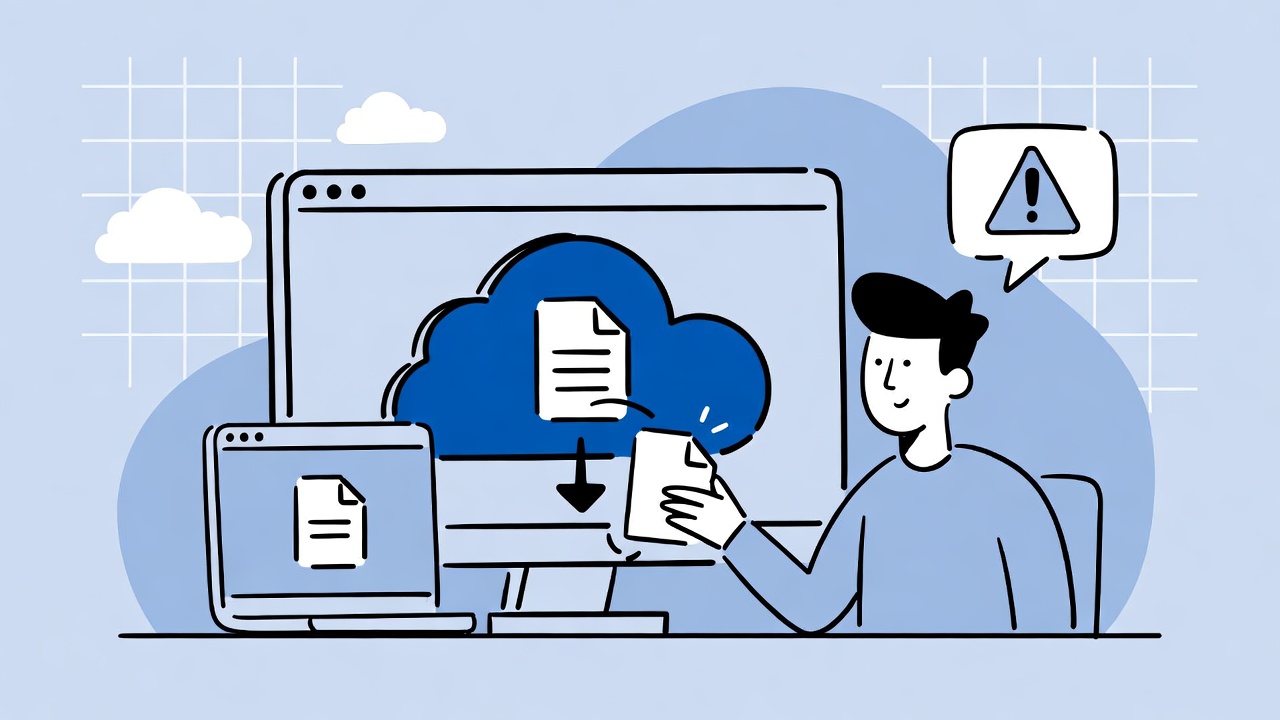
So what can an end user do to hang on to their critical data?
Here are the “SaaS cloud” basics:
- Take a Screenshot– this sounds primitive, and it is, but taking a screenshot of a critical document and saving the JPG image to your local pictures folder is at least something to grasp onto in a crisis.
- Print critical documents to PDF– critical information, such as financial accounting reports, can be rendered to a PDF document and periodically saved on your PC.
- Export Data to a .CSV file– tabular data can often be exported from cloud-based applications and saved into a spreadsheet-compatible local file.
- Point-in-Time Snapshot – some applications permit you to download a copy of your entire dataset. This is the closest you will come to a real backup.
- Purchase a Third-party Backup Service– if the cloud app you are using is popular (Microsoft 365), or the software supports a programmable API, you may be able to find a backup vendor that automates the process of archiving your cloud-resident data.
There are, of course, other options – but that’s not the point.
The message here is that with most cloud apps, the customer is on their own when it comes to protecting their intellectual property… but they (you) need to do something!
Routinely archiving data from SaaS applications to a PC permits the use of traditional backup methods (like Dr. Backup) to protect against “all things evil.”
Remember, your clients can’t easily re-key/re-populate data into a cloud application that they no longer have.
Backup still matters.